Don’t lose the good stuff.

Built for musicians who learn by ear.

That tune from the workshop.
That lick from the parking lot jam.
That version you swore you’d remember.

Capture tunes in the moment. Come back when you’re ready to woodshed.

Download on the App Store

Available for iPhone, iPad, and Mac

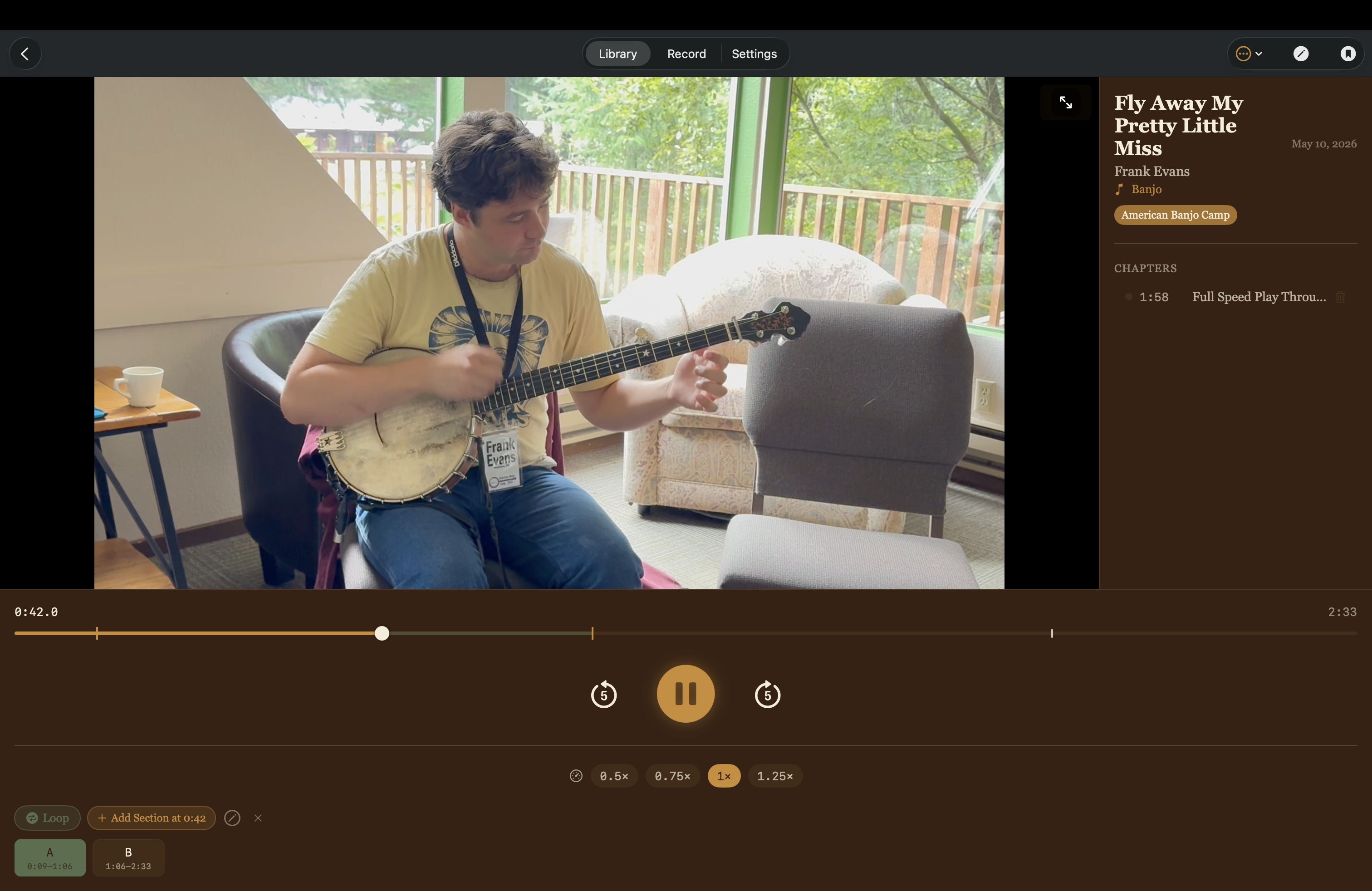
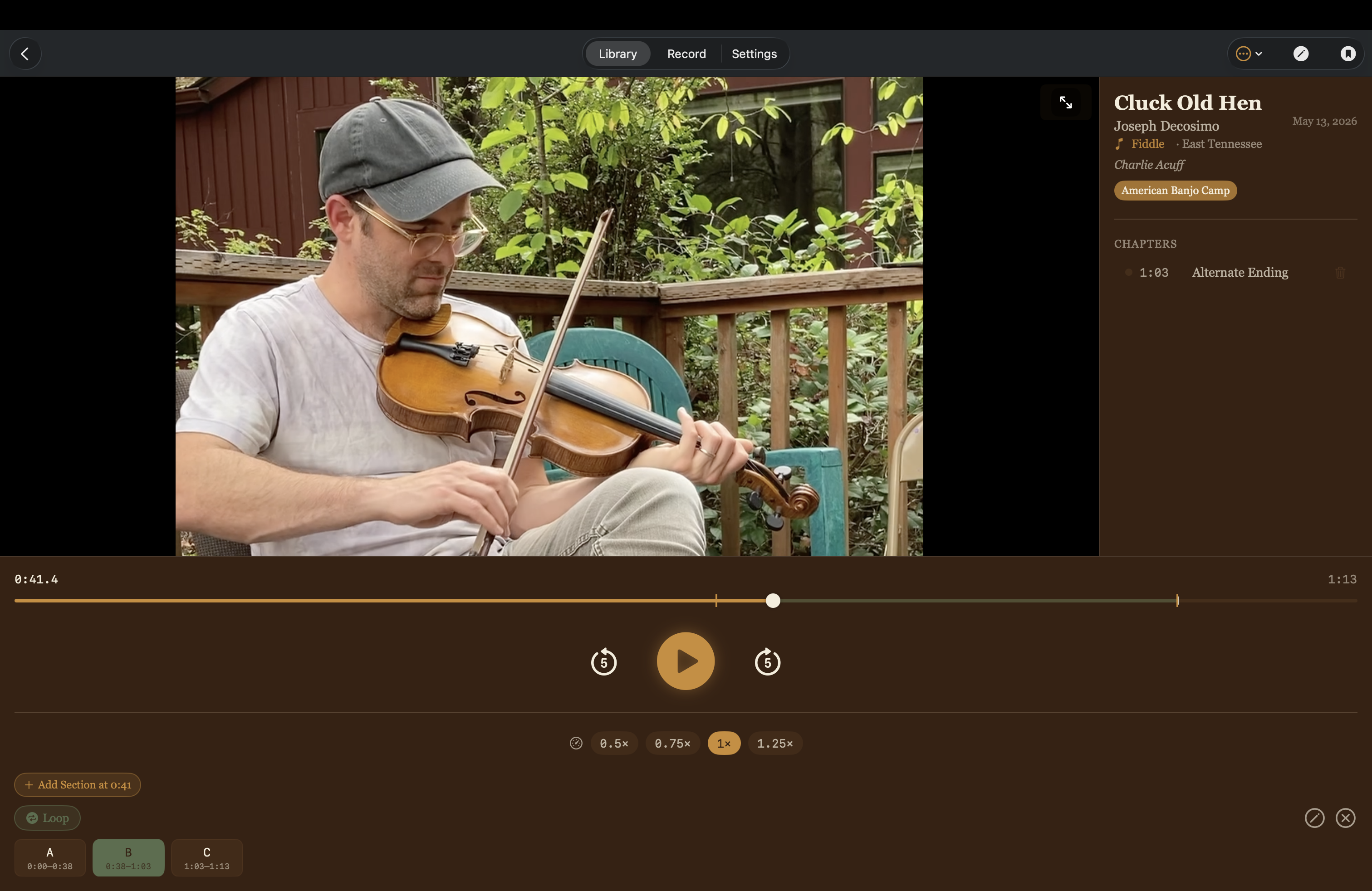
Woodshed playback on Mac
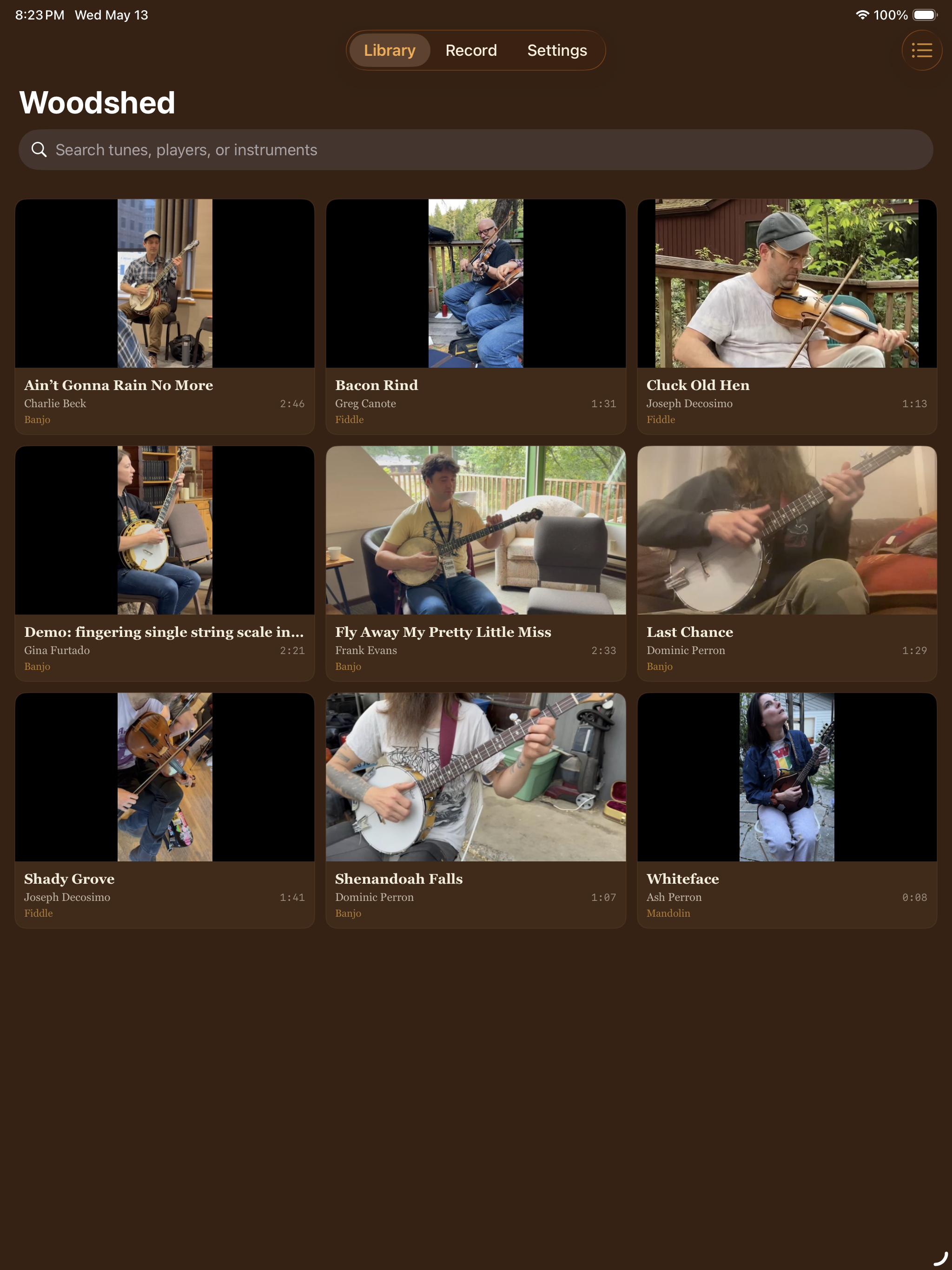
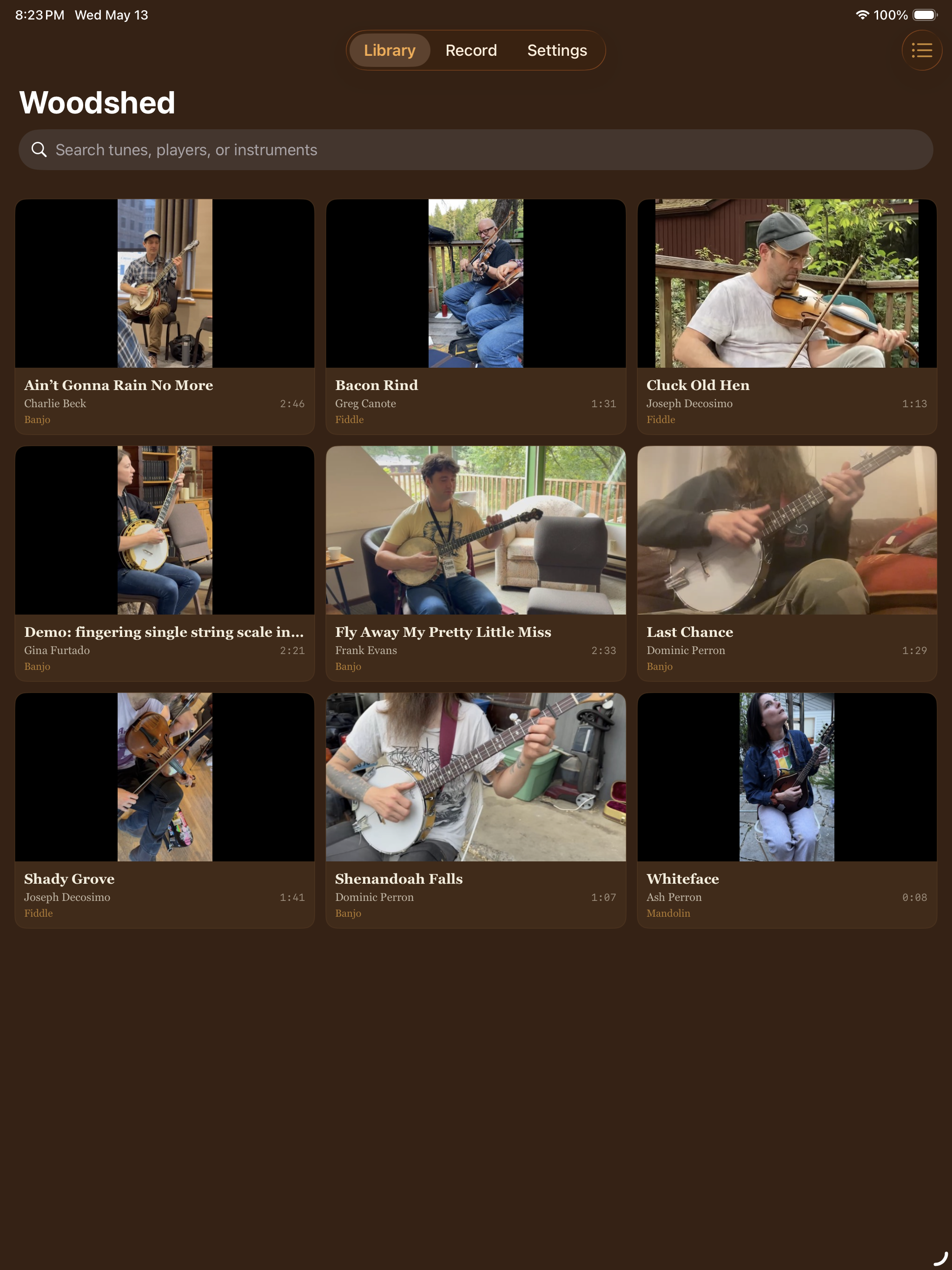
Woodshed library on iPad
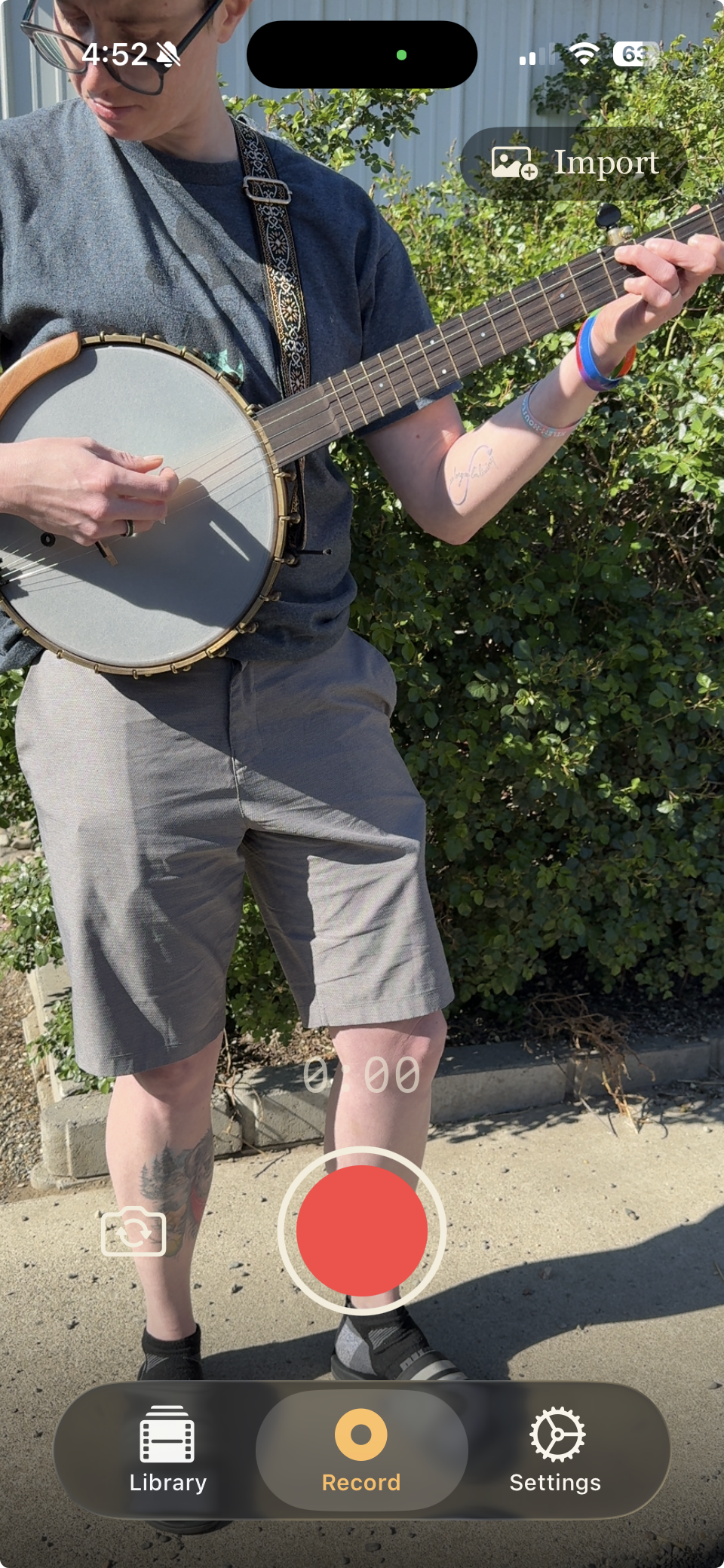
Woodshed recording on iPhone

If your camera roll
looks like this…

You recorded something worth keeping.
Six weeks later, “IMG_4821.mov” means nothing.
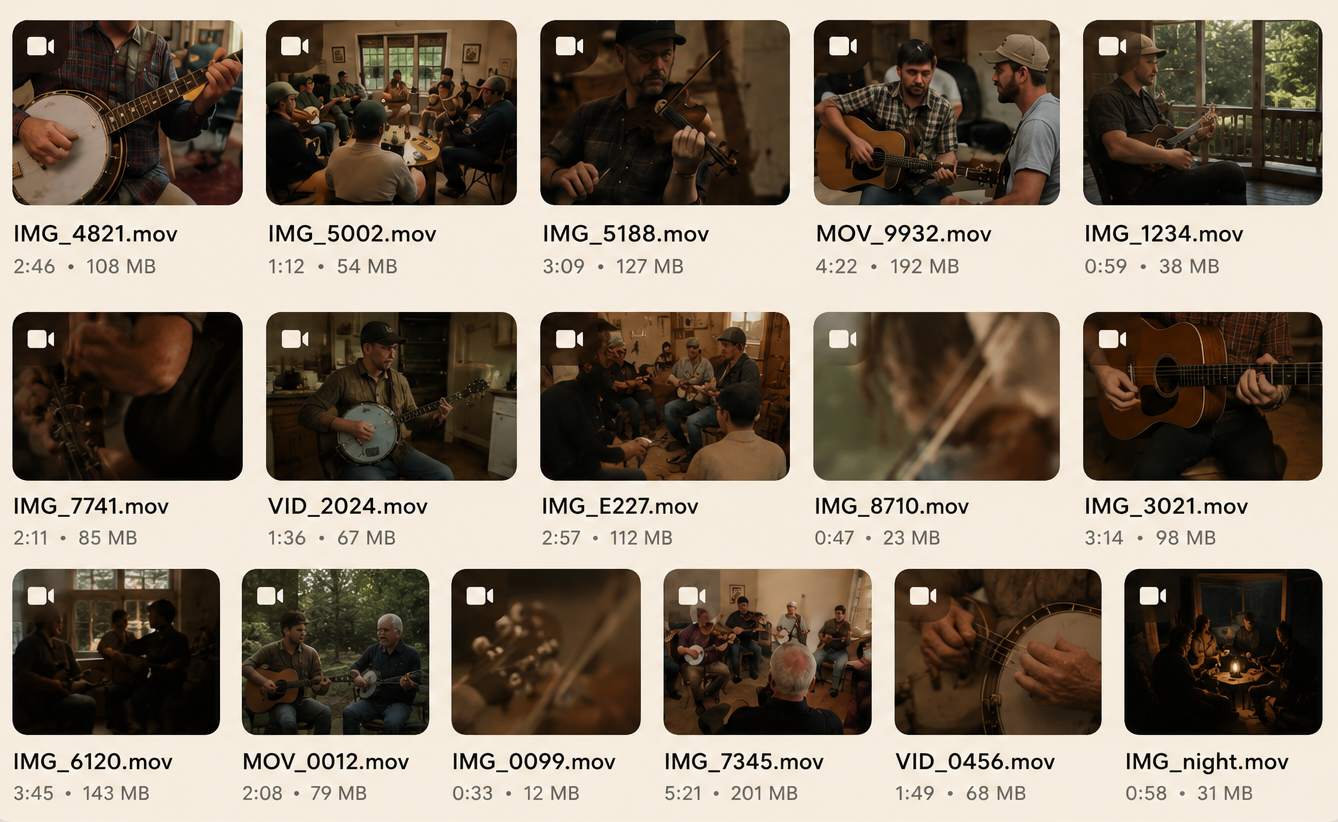
A disorganized camera roll full of unlabeled music videos

Built for
woodshedding.

  • Slow it down without changing pitch
  • Loop tricky passages
  • Create labeled practice sections
  • Jump back to important moments instantly
Woodshed player on Mac with A/B loop sections, speed controls, and chapter marks

Capture at the jam.
Practice anywhere.

Catch the tune in the moment. Come back when you have time to really work on it.

Your library follows you automatically across devices.

iPhone recording screen

Caught the tune

iPad library screen

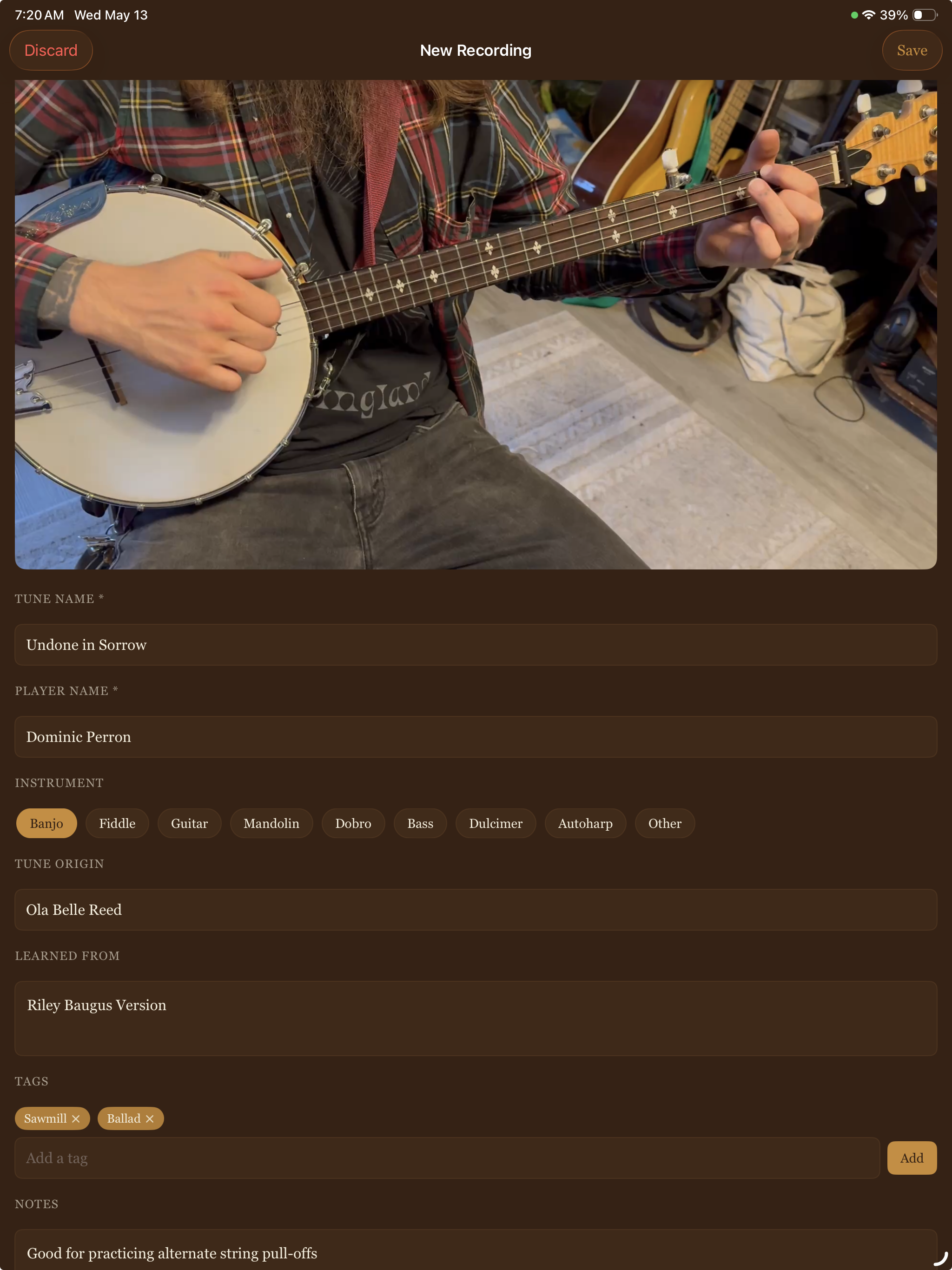
Added the details

Mac playback screen

Practiced the hard part

For the tunes you meant to remember.

Jam sessions Capture tunes before they disappear.
Tune collectors Never lose the version you meant to keep.
Workshop learners Save what you learned before the weekend fades.
Private lesson students Remember what your teacher actually meant.
Practice obsessives Practice the hard parts later.
Teachers & tune sharers Remember where each version came from.

A few things worth knowing.

Do I need a subscription?
No — Woodshed is a one-time purchase. No account, no server, no recurring fees.
Do my recordings sync across devices?
Yes. Your library syncs automatically across iPhone, iPad, and Mac with iCloud.
Can I export recordings?
Yes. Share any video via AirDrop, Messages, Mail, or save directly to your Photos library.
Is it okay to record at a jam?
In most jam circles, a quick “mind if I grab that?” goes a long way.
Need a deeper answer? Visit support →